Chat, Agent, Harness: The Three Layers of Building with AI
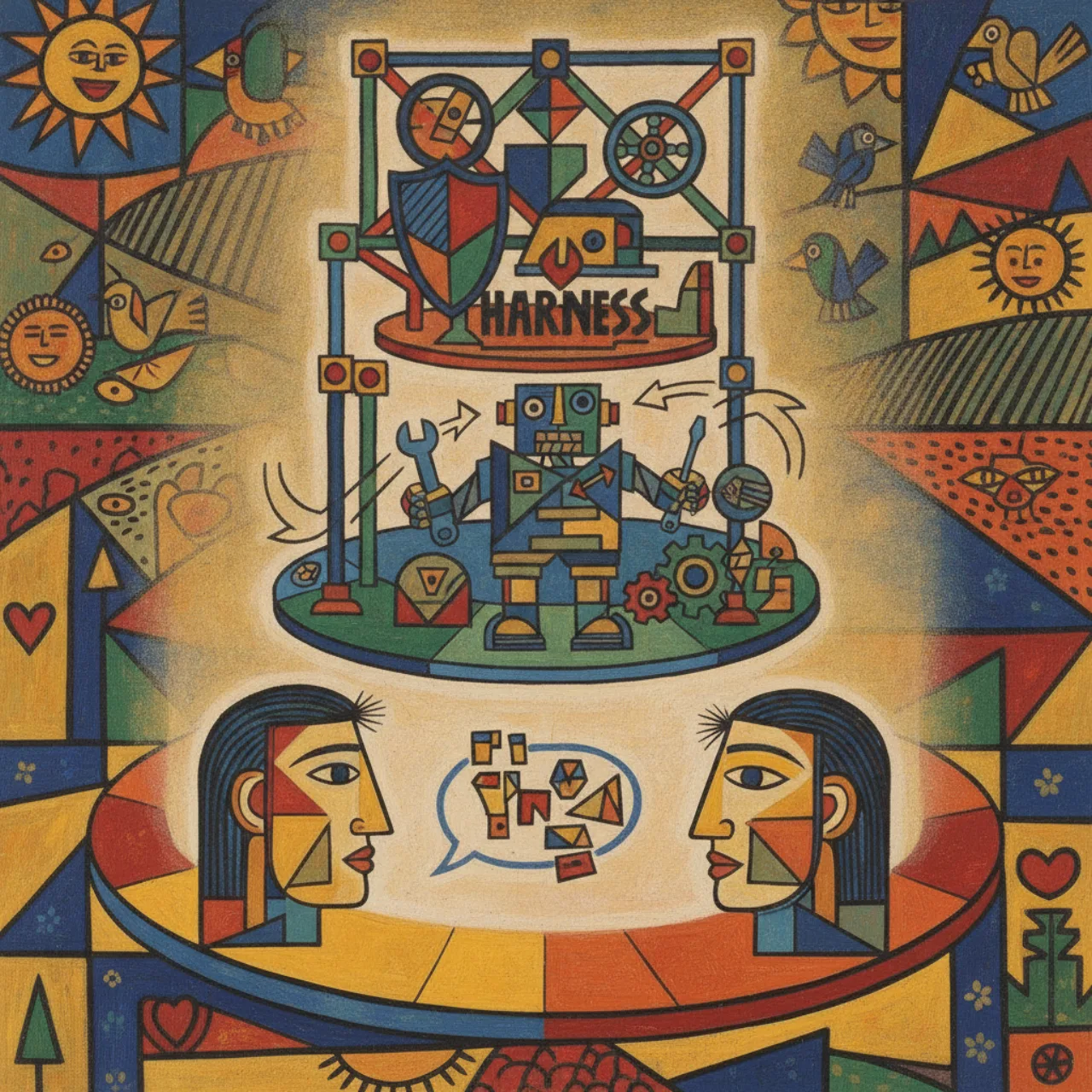
I've written a lot here about building with AI in .NET — a whole series on the GitHub Copilot SDK,
posts on Semantic Kernel, the DevExpress Chat component, RAG, agents that break at the worst possible
moment. Looking back at all of it, I realized I kept circling three words that get used almost
interchangeably in conversation but are actually three distinct layers: chat, agent, and
harness.
Getting the distinction straight is genuinely useful. It tells you what you're building, what you're
not building, and where the hard problems live. So here's how I think about it — bottom to top —
with a small code sketch for each so it's concrete rather than hand-wavy.
Layer 1 — Chat: the conversation loop
Chat is the simplest layer: a request, a response, and a human who drives every single turn.
You send the model some messages, you get a message back, you show it, and then you wait for the
human to type the next thing. The model has no agency. It can't do anything except produce text. If
you want it to "do" something, you read its reply and act on it yourself.
In .NET this is basically one call. Using Microsoft.Extensions.AI:
IChatClient chat = /* your provider */;

var messages = new List<ChatMessage>
{
    new(ChatRole.System, "You are a helpful assistant for a .NET shop."),
    new(ChatRole.User,   "What's the difference between XPO and EF Core?")
};

ChatResponse response = await chat.GetResponseAsync(messages);
Console.WriteLine(response.Text);
// ...and now we STOP and wait for the human to say something back.
That's chat. It's the DevExpress Chat component talking to Semantic Kernel. It's ChatGPT in a browser.
It's a fancy autocomplete with memory of the conversation so far. Hugely useful — but the loop is
human → model → human → model, and the human is always in the driver's seat.
Layer 2 — Agent: the model gets a goal and tools
An agent is what you get when you give the model a goal, a set of tools, and permission to loop on
its own until the goal is met.
The shift is subtle but enormous. In chat, the model returns text and stops. In an agent, the model
can return "call this tool with these arguments", your code runs the tool, feeds the result back,
and the model keeps going — without waiting for a human. The loop becomes
model → tool → model → tool → … → done. The human sets the goal once, at the start, and then gets
out of the way.
The heart of every agent is this loop:
async Task<string> RunAgent(string goal, IList<AiTool> tools)
{
    var messages = new List<ChatMessage>
    {
        new(ChatRole.System, "You are an agent. Use the tools to reach the goal."),
        new(ChatRole.User,   goal)
    };

    while (true)
    {
        var response = await chat.GetResponseAsync(messages, tools);
        messages.Add(response.Message);

        // No tool calls? The model thinks it's finished.
        if (response.ToolCalls.Count == 0)
            return response.Text;

        // Otherwise: run each requested tool and feed the results back in.
        foreach (var call in response.ToolCalls)
        {
            var result = await tools.Execute(call);   // run *your* code
            messages.Add(new ChatMessage(ChatRole.Tool, result));
        }
        // ...loop again. The model decides what to do next.
    }
}
That while (true) is the whole difference between a chatbot and an agent. The model is now choosing
its own next action. This is the layer my GitHub Copilot SDK series spends most of its time on — tools,
multi-turn sessions, custom AIFunctions — and it's also the layer where my agent once cheerfully
looped itself straight into a "quota exceeded" error, which should tell you something about what's
missing here.
What's missing is everything that makes that loop safe to run.
Layer 3 — Harness: the scaffolding that makes the agent usable
Look at that while (true) loop again and ask the uncomfortable questions:
- What if a tool call would delete a file or spend money? Should it just… run?
- What happens when
messagesgrows past the model's context window? - How do you stop a runaway loop before it burns your whole quota?
- What if the model needs to ask the human something mid-task?
- Where do the tools even come from — and how do you trust them?
The harness is the layer that answers all of those. It's the scaffolding around the agent loop:
permission gating, context compaction, loop limits, human-in-the-loop hooks, tool/MCP wiring,
logging, and sandboxing. The agent is the engine; the harness is the car built around it — the brakes,
the seatbelts, the dashboard, the steering wheel.
The same loop, wrapped in a harness, starts to look like this:
async Task<string> RunHarnessedAgent(string goal, Harness h)
{
    var messages = h.Seed(goal);

    for (var step = 0; step < h.MaxSteps; step++)            // 1. loop limit
    {
        messages = await h.CompactIfNeeded(messages);        // 2. context management

        var response = await chat.GetResponseAsync(messages, h.Tools);
        messages.Add(response.Message);

        if (response.ToolCalls.Count == 0)
            return response.Text;

        foreach (var call in response.ToolCalls)
        {
            if (!await h.Permit(call))                        // 3. permission gate
            {
                messages.Add(h.Denied(call));
                continue;
            }

            var result = await h.RunSandboxed(call);          // 4. isolated execution
            messages.Add(new ChatMessage(ChatRole.Tool, result));
            h.Trace(call, result);                            // 5. observability
        }
    }

    return h.GiveUpGracefully();                              // 6. don't run forever
}
Nothing about the model changed. Everything about whether you'd let it near production did. That's
the harness.
And here's the punchline I only really appreciated in hindsight: my whole Copilot SDK series is a
harness, taught one part at a time. Pre/post tool-use hooks, permission-request handling, asking the
user for input, infinite sessions and context compaction, skill loading, MCP servers — every one of
those parts is a piece of harness. I just never used the word.
The same goes for the isolation pieces I wrote recently. When I talked about
namespaces and
Microsoft's MXC,
that h.RunSandboxed(call) line is exactly what they implement — the harness's promise that a tool
call can't escape its box.
Why the distinction matters
Once you see the three layers, a lot of decisions get easier:
| Layer | The loop | Who's in control | The hard problem |
|---|---|---|---|
| Chat | human → model → human | the human, every turn | good prompts, good context |
| Agent | model → tool → model | the model, until done | choosing the right action |
| Harness | wraps the agent loop | the rules you wrote | safety, limits, trust |
- If a human is happy driving every turn, you want chat — don't over-engineer it into an agent.
- If you want autonomy, you need an agent — but a bare agent loop is a prototype, not a product.
- The moment that agent touches anything real — files, money, your network — you are, whether you
admit it or not, writing a harness. Better to write it on purpose.
Most of the "AI engineering" that actually ships value is harness work. The agent loop is maybe twenty
lines; making it trustworthy is the other ninety percent. That's not a knock on agents — it's just
where the real engineering lives, and naming it helps you budget for it.
So next time someone says "we're building an AI agent," it's worth asking the friendly follow-up: are
we building the chat, the agent, or the harness? Usually the honest answer is "all three," and
knowing which layer you're standing on tells you which problem to solve next.
If you build with AI in .NET, a lot of this lives in code I've already written about — the
Copilot SDK series and the Semantic Kernel posts especially. And if you've got a sharper way
to slice these layers, tell me — I'm always listening on the links on the about page.