Building a Local AI Image & Video Studio on a Mac Studio: A Hands-On Series
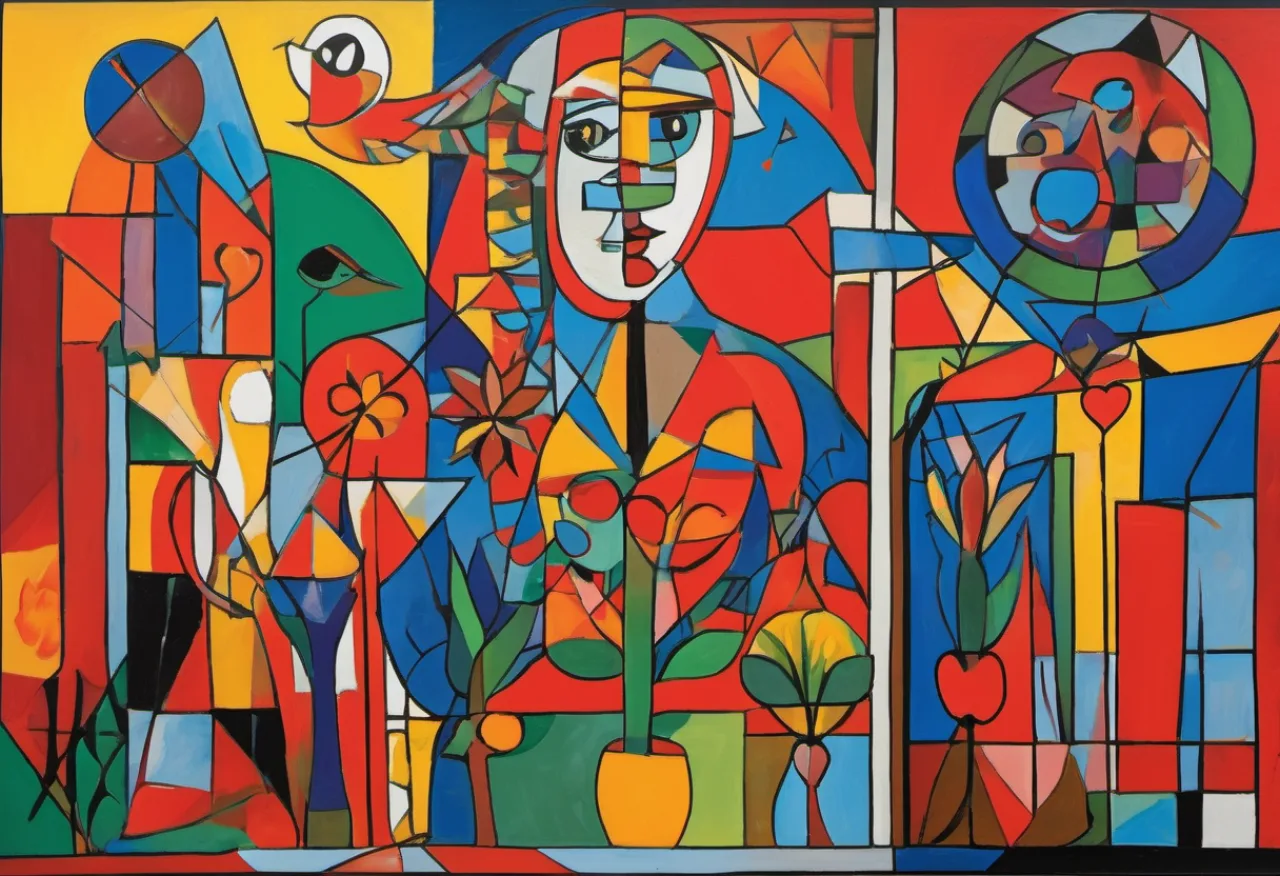
Here is a small fact that still surprises people:
The same Mac sitting on your desk can generate images and video with open models — entirely offline, no cloud, no API key, no per-image bill.
I had been paying for cloud image generation for a while, and one day I asked the obvious
question: can my Mac Studio just do this itself? It has an M1 Max and 64 GB of unified
memory. The answer turned out to be yes — for images comfortably, and for video too,
if you're patient.
So I sat down, installed ComfyUI, wired it
into a few scripts, and ran a proper set of experiments. This series is everything I
learned — including the parts where my assumptions were flat-out wrong.
Why local at all?
A few reasons that matter to me:
- Cost. Once the models are on disk, generation is free. No metering, no surprise bill.
- Privacy. Nothing leaves the machine. Useful when you're prototyping client work.
- Control. Open models, open weights, and a node graph where every step is yours to change.
- It's just fun. There's something deeply satisfying about your own computer painting a picture from a sentence.
The catch, of course, is that you trade somebody else's H100 for your own GPU. On Apple
Silicon that means the MPS backend, and — as we'll see — it has its own personality.
The hardware
Everything in this series runs on one machine:
Mac Studio — Apple M1 Max, 32-core GPU, 64 GB unified memory, macOS 26.
The number that matters most is 64 GB of unified memory. On a Mac, GPU memory is
system memory, so a big number here means you can hold large models that would never fit on
a consumer NVIDIA card. That's the Mac's superpower for this work. Its weakness is raw
compute — but we'll measure exactly where that bites.
The map
- Part 1 — Installing ComfyUI on Apple Silicon — Python, the MPS PyTorch, the model zoo, and getting the server to say
Device: mps. - Part 2 — Driving ComfyUI From Code — forget the GUI; workflows are just JSON, and the HTTP API turns generation into a function you can script.
- Part 3 — FLUX, SDXL, and the fp8-vs-GGUF Myth — real numbers, and the moment my "obvious" speed fix turned out to do nothing.
- Part 4 — Local Video With LTX-Video and Wan 2.1 — yes, your Mac can generate video, and yes, there's one MPS gotcha that turns it into rainbow soup until you fix it.
- Part 5 — A 15-Second Reel, and When Not to Use a Video Model — a real deliverable: a vertical story reel of the Salvadoran coast, built the pragmatic way, with the numbers to justify it.
- Part 6 — Giving the Reel a Soundtrack — generating the music locally too (MusicGen, plus a model that failed instructively) and muxing it onto the video with one ffmpeg command.
A nice bit of recursion
Every featured image in this series — including the one at the top of this post — was
generated locally, on the very machine the series is about, with the very setup it
describes. An article about local image generation, illustrated by local image generation.
I couldn't resist.
What I was aiming for
The look is the blog's house style, and it's a deliberate mash-up of two things:
- Cubism, in the Picasso sense — the picture broken into fragmented geometric planes,
with several viewpoints flattened onto one canvas. Faces and objects come apart and
reassemble at angles. - A bright Central American folk-art palette — saturated reds, yellows, cobalt blues,
greens and oranges, everything bounded by bold black outlines, with naive, joyful
recurring motifs: suns, birds, hearts, and stylized faces.
The point is for the covers to feel hand-painted and warm — a little piece of Salvadoran
visual identity sitting on top of dry technical content — rather than the slick, glossy look
most AI image models drift toward by default. Getting there is mostly about the prompt: name
the Cubist structure, then spell out that exact palette and those flat, outlined, decorative
forms, and tell the model in no uncertain terms that there should be no text.
Up to now I generated those covers with a cloud model. For this series I rewrote the
generator to talk to ComfyUI instead — same style, same prompts, now running on my desk.
That little script shows up in Part 2.
Start with Part 1
— let's get it installed.