WWDC Deep Dive, Part 3: Xcode 27's Real Story — the Agent Client Protocol, MCP, and the End of the Simulator
The first two parts of this series were about the OS-level AI story. This one is about the tool we
actually live in: Xcode. And whatever you think of the tick-year OS, Xcode 27 is where Apple made a
genuinely serious play — they're showing up as a real participant in the AI-coding world instead of
watching from the sidelines while VS Code, Cursor, the JetBrains IDEs, and a swarm of CLI harnesses ran
ahead.
There are three things here worth your attention: the chat/MCP integration, the Agent Client
Protocol, and the death of the simulator. The middle one is the sleeper.
The obvious stuff: a real chat experience and MCP
Xcode now has a proper, full-screen chat experience with a big, deliberate chat button — Apple clearly
wants this to be a place you work, not a bolt-on. Under the hood:
- Bring-your-own-model: Claude and OpenAI via API keys, plus Gemini integration.
- MCP support, built in: out of the box it ships connections like GitHub and Figma. It's still
unclear whether there's a marketplace or general configuration story — it doesn't obviously look like
it yet — but native MCP in the first-party IDE is a real signal. - It's grounded in Swift and wired deep into tools, tests, and docs.
And a logistics note that matters: Xcode 27 does not require macOS 27. You can install the beta on
the current OS, it pulls down what it needs, and it just shows up. So you can try the AI features
without committing your daily machine to a beta OS.
That's all nice. But it's the kind of thing every IDE is doing. The interesting move is the next one.
The sleeper: the Agent Client Protocol (ACP)
Here's the part I think most people will gloss over and shouldn't.
If you want the native, in-Xcode AI integration, you'd normally be stuck with whatever harness Apple
tells you to use. But a lot of us prefer specific CLI harnesses — Copilot, Claude, and the long tail of
others. Apple's answer is to support the Agent Client Protocol (ACP): a standardized protocol —
think "MCP, but for the IDE↔agent relationship" — that both a client (the IDE) and a tool (the CLI
agent) implement so they can talk to each other.
What that buys you, concretely: you can add your own agent to Xcode. Point it at a CLI harness with
the right flag (for example, GitHub Copilot's standalone CLI with an --acp-style switch), and when you
start a new chat you can select that agent. Now your preferred harness is driving, but it gets all the
native Xcode integration for free — it knows how to build, run, and do the IDE-level things it
needs to do, because Xcode is speaking a protocol to it.
This is a smart, slightly humble move by Apple, and it's the right one. The ecosystem is moving faster
than any single vendor can churn an IDE — and "what even is an IDE anymore?" is a real question when
half the action is in CLI tools that aren't IDEs at all. Rather than trying to out-run that, Apple gave
itself an escape hatch: speak the standard protocol, and let the best-of-breed harnesses plug in.
Apple isn't the first IDE to adopt ACP, but it's a meaningful endorsement coming from the owner of one
of the biggest native platforms.
The caveats are real, though. This is early and the UX for setting it up is rough:
- Setting up a custom agent is fiddly and under-explained — expect to dig.
- Slash commands don't appear to work through it (unclear if that's the protocol or Apple's
implementation). - Model selection and thinking/reasoning mode aren't easily exposed in the Xcode UI — you end
up changing those things in the CLI itself.
There's also a philosophical wrinkle worth flagging: there seems to be a plan mode in Xcode, but if
Apple is injecting its own system prompt for plan mode and sending that down the ACP, that partially
defeats the point. The appeal of ACP is that you get to use the other tool's prompts and behavior. If
Apple overrides them, you're back to Apple's harness with extra steps. Watch how this settles.
Net: if you already subscribe to a harness and want it living inside native Xcode with full build/run
integration, ACP is right there for you today. It's the most forward-looking thing in the IDE, even if
the rough edges mean you'll want to follow a walkthrough rather than wing it.
The simulator is dead — meet the Device Hub
The other big change to how you actually work: the simulator is being replaced by a Device Hub.
No, you don't have to go buy a wall of devices — calm down. It's effectively simulator 2.0: a single
place that combines simulated and real devices, lets you resize the screen freely, and generally
makes the run-target story easier.
The screen-resizing part connects to an OS-level theme from this WWDC: apps are expected to run at any
form factor, not a fixed set of device sizes. So "test it at one size" is out; "it could be displayed
anywhere, test accordingly" is in. The Device Hub is the surface for that.
I'll mourn the cute per-device skins, and I'll admit a little nervousness — I have years of muscle
memory for the old simulator's quirks, and a from-scratch replacement is a stability gamble in year
one. But the direction is right.
Why the Device Hub matters: closing the loop
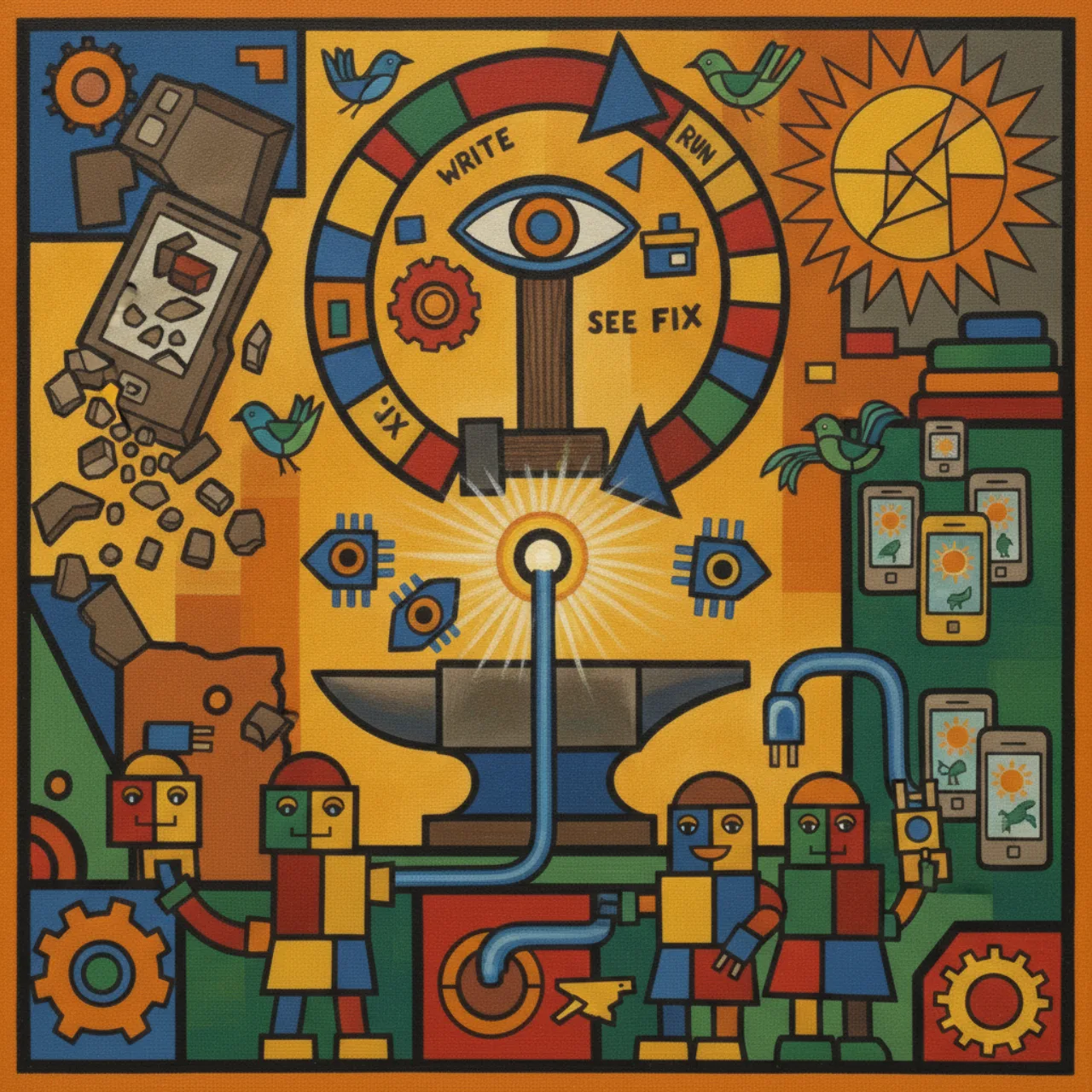
Here's the bigger picture the Device Hub is pointing at. The next wave — and I think this defines a big
chunk of the coming year — is closing the loop: you don't just write code, you write code → run it
on a device → let the agent see the result (receive screenshots/images from the device) → and
debug itself from what it saw.
This is the area where web developers have been ahead of native developers for a while. The browser
gave them a tight write-run-observe-fix cycle with the DOM and screenshots right there; native folks
have lacked good tooling to feed real device output back into the agent. By owning one of the biggest
native platforms and building the Device Hub, Apple is in a position to help native developers close
that loop too — get the screenshots back into the model, let it reason over what actually rendered.
I'll be honest: I haven't done much here myself yet, because the tooling to close that loop cleanly
hasn't existed. But it's clearly where things are heading, and it's worth orienting toward now.
Two more developer-facing gut-punches
A couple of things that didn't make the keynote glossies but will land on real codebases:
- The Documents API got reinvented — again. Two decades of Apple convincing everyone that its
sandboxing and document-abstraction model was the right way... and this year a good chunk of that is
thrown out in favor of more direct file access, Swift-only. If you maintain a document-based app,
budget for a port. (Apple's cheerful suggestion that "you can just ask your AI agent to port it" is
doing a lot of work in that sentence.) - The Swift-everywhere play is the real strategy. Read the whole release together — full-screen
AI chat grounded in Swift, the Documents rewrite as Swift-only, Xcode positioned as the thing — and
the message is consistent: Swift is the center, Xcode is the surface. Apple is investing in the
ecosystem more seriously than it has in years. Whether you love that depends on how much you wanted to
bring your own stack.
What I'd actually do
- Try ACP if you have a harness you like — but watch a walkthrough first, and accept that slash
commands and model switching are rough today. - Don't ditch your daily OS — Xcode 27 runs on the current macOS, so you can evaluate the AI tooling
without betting your machine on a beta. - Get familiar with the Device Hub and start thinking in "any form factor," because fixed-size
testing is over. - Orient toward closing the loop — the agent that can see what it rendered and fix itself is the
next capability jump, and native is finally getting the tooling to do it. - Audit your document-based apps for the API rewrite before it bites you.
It's a tick year for the OS. It is not a tick year for the tools. Xcode 27 is Apple deciding to be a
real player in AI-assisted development — protocol-friendly enough to let your favorite harness in, and
opinionated enough to make clear that the future it's building runs on Swift.
This is Part 3 of the WWDC Deep Dive. Start with
Part 1: native AI for developers
and Part 2: Safari goes vibe-coding.