Visual Studio Sign-In Issues: A Simple Fix (Fixing visual studio sign in error Code: 3399680404 )
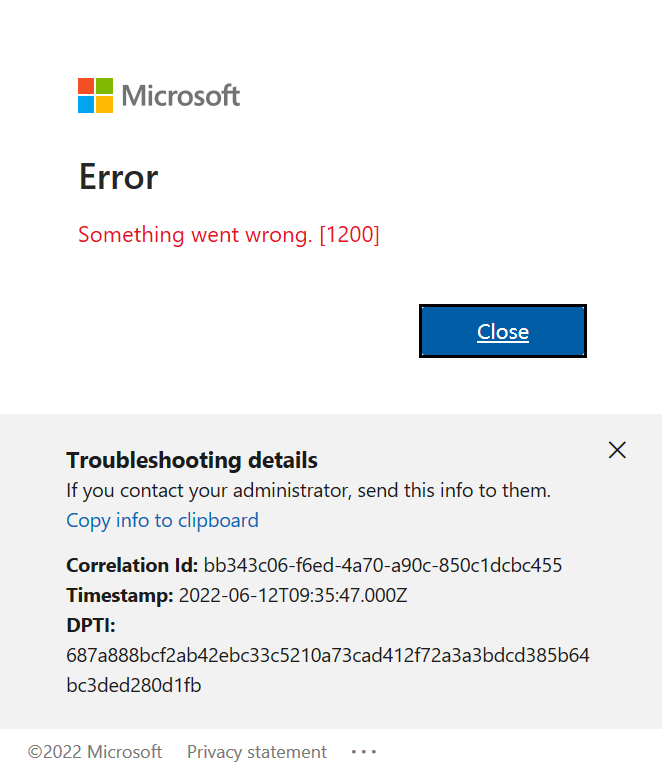
Visual Studio Sign-In Issues: A Simple Fix
For a long time, I had a problem with my Visual Studio installation. I was unable to sign in with different accounts or change my account. I tried resetting my computer to the default settings, but the issue persisted.
In December, I bought a new Microsoft Surface, which basically fixed the problem. However, I still have my own computer – a really good MSI gaming machine with 64 gigabytes of RAM. I decided to use it as a secondary computer, but the main problem remained: even after resetting my Windows setup to default and cleaning all programs, I was unable to sign in with a different account. I was essentially stuck.
Today, I decided to tackle this issue. It’s been a really busy week (it’s Thursday already), but I’ve accomplished a lot, including finishing two Udemy courses on Semantic Kernel and Microsoft AI Extensions. Having some free time, I played around with my old computer to see if I could fix it – and fortunately, I was able to!
The Solution
Here’s what I did to fix the sign-in problem:
- Go to Visual Studio Options > Environment > Accounts
- Change “Add and reauthenticate accounts using:” from “Windows authentication broker” to something else like “Embedded web browser” or “System browser”
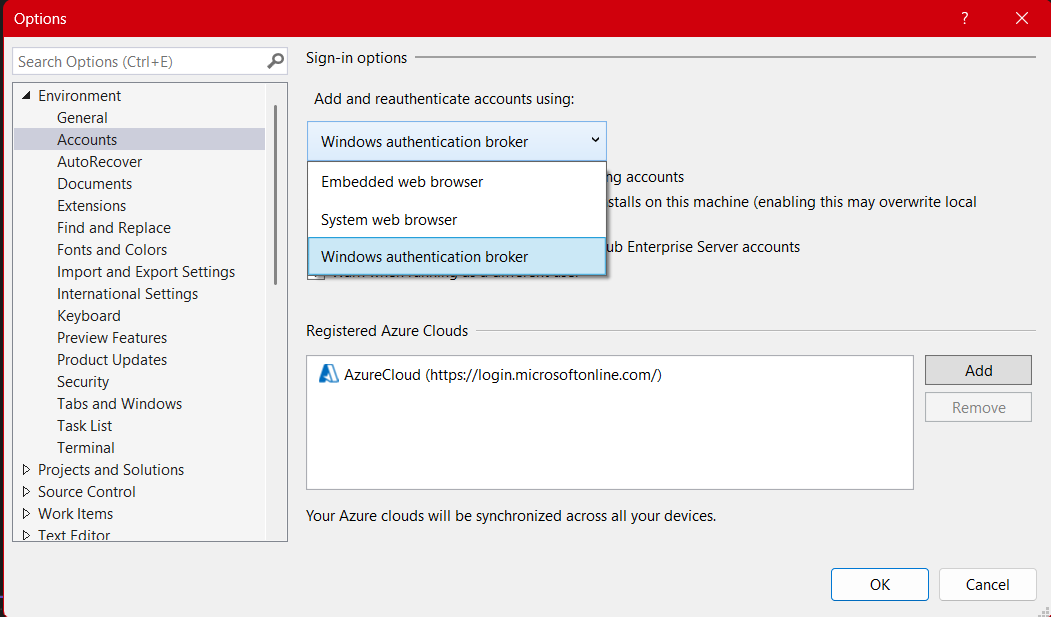
After changing to System browser or Embedded web browser, I was able to complete the entire sign-in flow without issues.
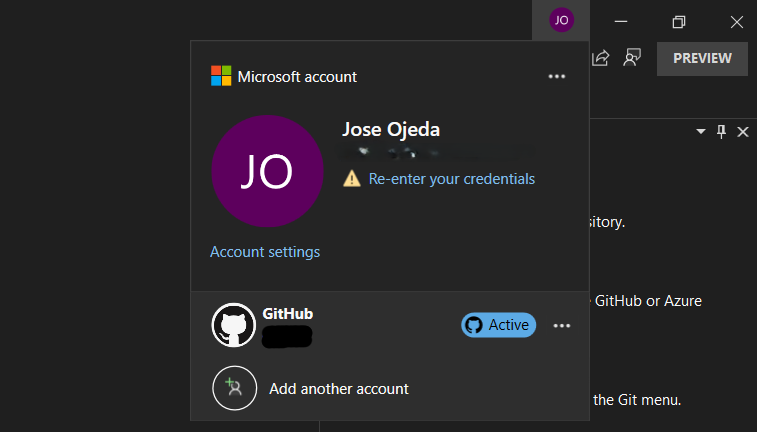
If you’re experiencing similar problems with Visual Studio account authentication, give this simple fix a try!